

Reviewed November 2026
Before you sign a contract or move a creator's data into new software, test the vendor with a structured checklist. An agency evaluating creator agency software should verify seven things, in order: sync cadence, time zone reconciliation, role permissions, audit trails, payout reconciliation, data export terms, and rollout readiness. If a vendor can't answer plainly on any of these, that's your answer.
This checklist reflects the operational reality of running a creator agency, not a generic enterprise procurement process. It skips stakeholder committees and license-utilization tables that larger software buying guides lean on, and focuses instead on the specific failure points that break agency operations: a sync that stalls silently, a payout statement that doesn't match the platform's own export, a chatter who still logs in a week after being let go.
Who This Is For
You're an agency owner, operations manager, or someone sitting in on vendor demos who has to decide whether the software can go live. Print this checklist, bring it to the call, and mark each line yes or no as you go. Don't accept "it should work like that" as an answer. Ask the vendor to show you, live, on screen.
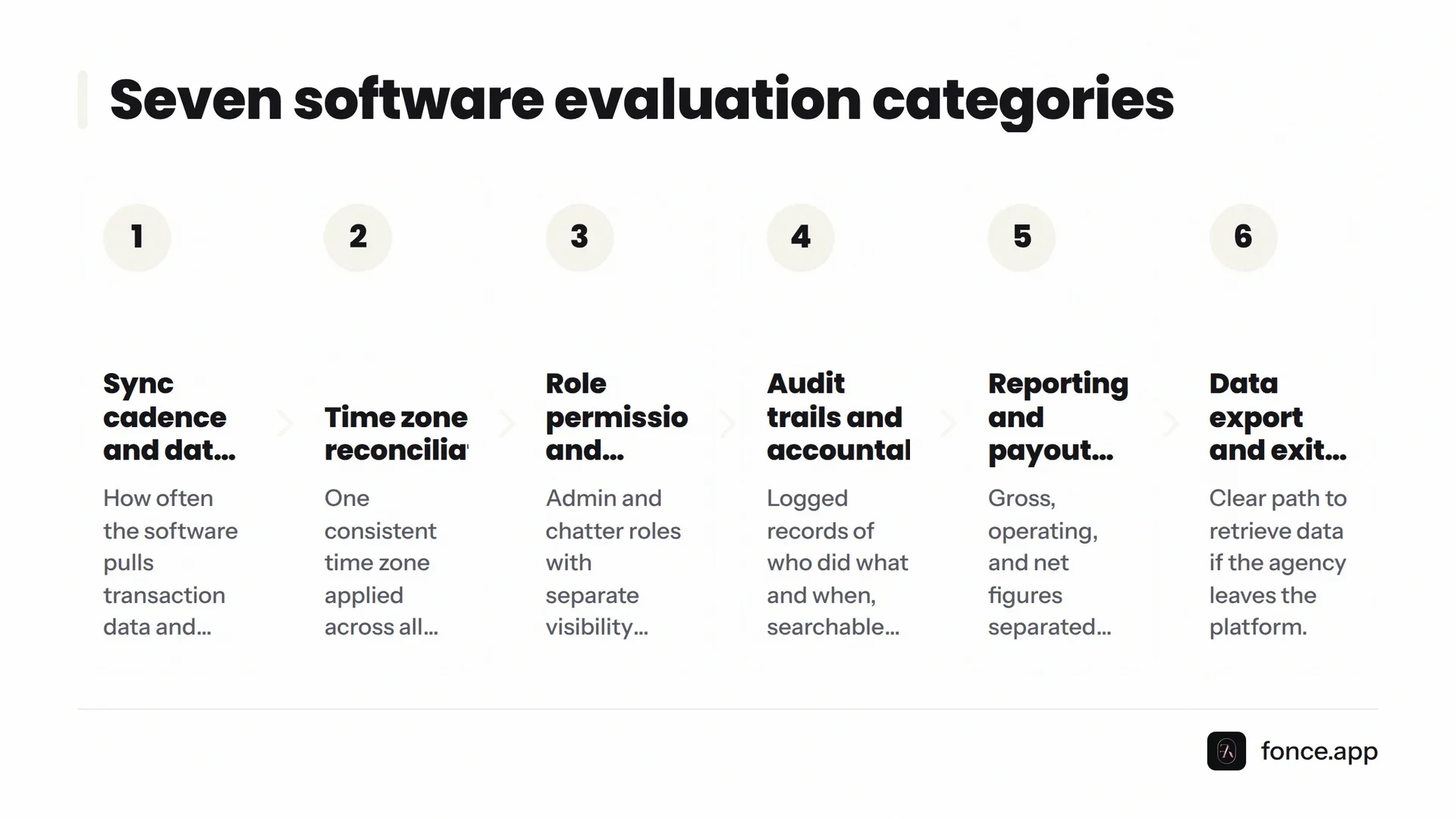
The checklist covers seven categories:
- Sync cadence and data accuracy
- Time zone reconciliation
- Role permissions and access control
- Audit trails and accountability
- Reporting and payout reconciliation readiness
- Data export and exit terms
- Support and rollout readiness
Most categories get their own section explaining why the category matters, with specific yes/no questions to ask and the red flag that should stop the purchase on its own. Data export and exit terms are covered inside the Support and Rollout Readiness section and in the three disqualifying items under Scoring Your Results.
Sync Cadence and Data Accuracy
Sync cadence is how often the software pulls new transaction data from connected platforms and how consistently it does so without gaps. This seems like a small technical detail until a tip posts at 11:58 p.m. and doesn't show up in the next day's numbers, or a subscription renewal gets counted twice because two syncs overlapped.
Agencies that skip this check often discover during their first payout run that the dashboard total doesn't match what the platform itself reported. At that point you're reconciling by hand, which defeats the purpose of buying software.
Ask the vendor:
| Checklist item | Why it matters | Yes/No |
|---|---|---|
| Does the vendor state sync frequency in writing (e.g., every 15 minutes, hourly)? | Vague answers like "real-time" without a number can signal inconsistent syncing | |
| Can you see a live, timestamped sync log during the demo? | Proves the sync is actually running, not just described in a sales deck | |
| Does the platform reconcile its totals against the platform's own exported statement? | Confirms the numbers you see match what creators and platforms actually report | |
| Is there a visible alert if a sync fails or falls behind? | Silent failures are how discrepancies go unnoticed for weeks |
Red flag: If the vendor cannot show you a timestamped sync log on request during the call, treat that as a no. A platform that can't prove its own sync is working has no business handling your reconciliation.
Time Zone Reconciliation
Time zone reconciliation means the software applies one consistent time zone to every shift boundary, payout period, and statement, instead of silently mixing the platform's reporting time zone with your local one. Most creator platforms report earnings on a fixed clock. If your software defaults to a different one, your daily and weekly totals will drift from what platforms actually paid out.
This is one of the most common blind spots in agency software evaluation and completely missing from most general software buying guides because it's specific to how creator platforms report earnings. For a deeper look at why this matters, FONCE App's piece on OnlyFans earnings reported in Eastern time versus UTC walks through how the 4-5 hour gap can shift which day a sale counts toward.
Ask the vendor:
- Does the platform document a consistent day boundary (Eastern Time or UTC) for each report and statement?
- Are shift start/end times and payout cutoffs tied to that same time zone, with no silent default switch?
- Can you pull a report for a specific calendar day and confirm it matches the platform's own day boundary?
- Does the vendor explain, clearly, which time zone their system defaults to out of the box?
Red flag: If the vendor can't tell you, without checking with engineering, which time zone their system uses by default, assume it's inconsistent. That inconsistency will show up first in your creators' payout statements, which is the worst place for a surprise.
Role Permissions and Access Control
Role permissions define what each person on your team can see and do based on their job, not on a blanket "everyone sees everything" setup. In a creator agency, this usually comes down to two baseline roles: admin and chatter.
An admin role should be able to see payout totals, financial reports, contracts, and every staff member's activity. A chatter role should be able to do the work in front of them - messaging, scheduling, logging hours - without visibility into agency-wide revenue or other chatters' earnings. When that separation doesn't exist, staff can see numbers they have no reason to see, which creates both a trust problem and a security problem.
Access control is the mechanism that enforces those boundaries and, just as important, lets you remove them instantly. Run through this list:
- Can permissions be set per role, not just per account?
- Can you restrict a chatter from viewing payout totals or agency-wide revenue?
- Can an admin's access be limited to specific creators or accounts, if needed?
- Can access be revoked instantly, the moment someone is offboarded, without waiting on a support ticket?
- Does revoking access actually log the person out of active sessions, not just block new logins?
For a fuller walkthrough of what happens when a staffer leaves, FONCE App's offboarding staff access checklist for agencies covers the exact sequence of steps to run on someone's last day.
Red flag: If access removal takes a support ticket and a wait time instead of an immediate, self-serve action, that's a no. An agency that can't instantly cut off access on offboarding day is carrying real risk every day that gap exists.
Audit Trails and Accountability
An audit trail is a record of who did what and when inside the software, down to the individual message, edit, or financial action. Without one, you're relying on memory and trust to settle disputes about who said what to a subscriber, who changed a payout figure, or who deleted a conversation.
Agencies rarely test this during a demo, which is exactly why it belongs on this checklist. Ask to see it, not just hear about it:
| Checklist item | Why it matters | Yes/No |
|---|---|---|
| Is every message and account action logged with a timestamp and user ID? | Without this, you can't reconstruct what actually happened in a dispute | |
| Can the log be filtered by user, date range, or account? | A log you can't search is barely usable in practice | |
| Can you export the audit log for a given period? | You need this for internal review and for resolving creator disputes | |
| Is the log tamper-evident, meaning entries can't be quietly edited or deleted after the fact? | An editable log isn't an accountability tool, it's just a notes field |
Red flag: If a vendor cannot show you an audit log during the demo, live, treat that as disqualifying regardless of how good everything else looks. Accountability isn't a feature you add later. It's either built in from day one or it isn't.
Reporting and Payout Reconciliation
Payout reconciliation is the process of confirming that what a creator is owed, what the agency keeps, and what the platform reported all line up without manual correction. Software that handles this well should separate figures cleanly rather than burying them in one lump total.
At minimum, the platform should distinguish:
- Gross revenue – total earnings before any split or deduction
- Operating figures – platform fees, processing costs, and other deductions
- Net payout – what the creator actually receives after the agency's cut
If a tool can't show these three numbers separately per creator and per period, you'll end up rebuilding that math in a spreadsheet anyway, which is the exact problem the software was supposed to solve. FONCE App's guide to creator payout calculation breaks down how each of these figures should be calculated step by step, and the companion piece on agency profit margin formulas is worth checking against whatever the vendor's reports show you.
Checklist items:
- Does the platform separate gross, operating, and net figures clearly?
- Can you export a payout statement per creator and per custom date range?
- Do exported statements match the live dashboard totals exactly?
- Can you generate a statement for a past period without recalculating it manually?
Red flag: If the vendor's payout export doesn't match what's shown on screen during the demo, stop there. That mismatch will only get harder to catch once you're running it on real creator accounts.
Support and Rollout Readiness
Good software evaluated in isolation can still fail in practice if the rollout is rushed or support disappears after the sale. Rollout readiness covers whether the vendor has a real plan for getting your team live, not just a login page and a help article.
Ask the vendor directly:
- Is there a documented onboarding timeline with specific milestones, rather than a vague "a few weeks"?
- What is the stated support response time, and is it written down anywhere you can hold them to?
- Does someone walk your team through the admin and chatter roles separately, so each group learns only what applies to them?
- Is there a clear, working data export path if your agency ever decides to leave the platform?
That last point matters more than it seems. A vendor that makes it easy to get your data out is a vendor confident in its own product. One that makes export difficult or vague is signaling something else. For a sense of how a live board and timesheet tracking should work once you're live, FONCE App's posts on a live board for an OnlyFans chat floor and chatter time clock and timesheets are useful reference points for what "ready to roll out" actually looks like day to day. It's also worth asking how the vendor documents creator agreements before rollout. FONCE App's explanation of signing creator agreements with a receipt shows one way to keep contract execution tied to a verifiable record rather than an email thread. If your agency runs paid promotion or affiliate traffic, confirm the platform can handle tracking links and attribution for creator agencies before you commit, since that's a common gap in general-purpose tools.
Red flag: If the vendor can't state a support response time or a rollout timeline when you ask directly, plan for the rollout to drag and support to be slow once you're a paying customer rather than a prospect.
Scoring Your Results
Count your "yes" answers across every section, including the data export question in the rollout section. A strong result approaches a full sweep, but the count alone isn't the whole story.
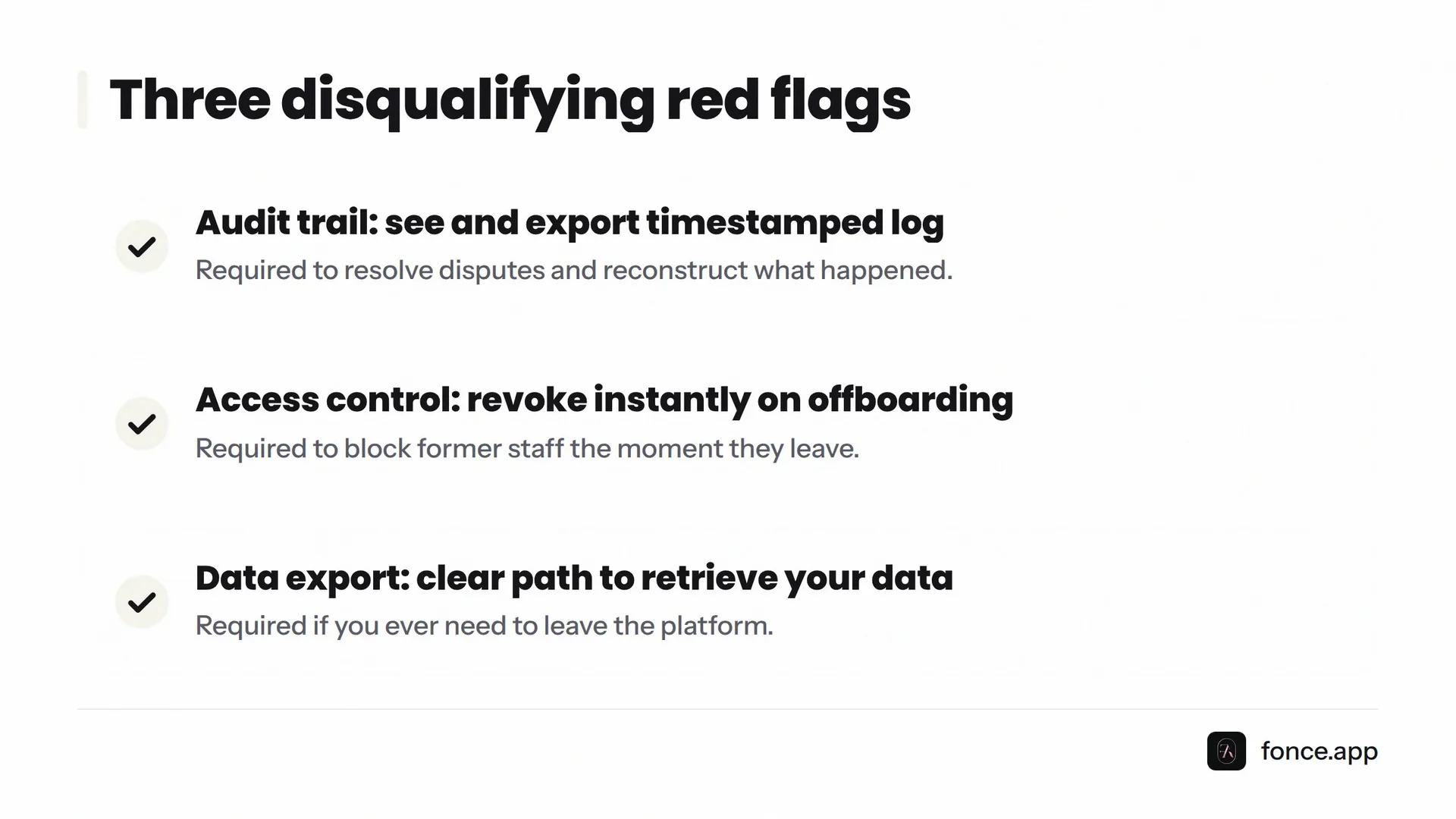
Treat any "no" on these three items as disqualifying, regardless of your overall score:
- Audit trail: can you see and export a timestamped log?
- Access control: can access be revoked instantly on offboarding?
- Data export: is there a clear path to get your data out if you leave?
These three protect you from outcomes that are hardest to undo: a dispute you can't resolve, a former staffer who still has access, and data you can't retrieve. Everything else on this checklist improves day-to-day operations. These three protect the agency itself.
Here's the simple process:
- Run the checklist live during the vendor demo, marking yes or no as you go.
- Flag any no on audit trail, access control, or data export immediately.
- If none of the three disqualifying items failed, total your yes count and compare it against how complete you need the platform to be for your team size.
- If a disqualifying item failed, pause the purchase and ask the vendor to address it directly before moving forward, or move to the next vendor.
For agencies that want to see how one platform describes its security, including two-factor sign-in, access by role and creator, and encryption, FONCE App documents how agency data security is handled. You can also browse the FONCE App blog for more operational breakdowns like this one, or start from the FONCE App homepage to see how the platform approaches creator agency operations end to end.
Frequently Asked Questions
What is sync cadence and how often should agency software sync data?
Sync cadence is how frequently the software pulls fresh transaction data from connected platforms. Look for a stated, regular sync interval (the vendor's written number, such as every 15 minutes or hourly), with a visible timestamp confirming the last successful run.
What counts as acceptable time zone reconciliation for payout statements?
Acceptable reconciliation means the platform applies a documented, consistent day boundary - whether Eastern Time or UTC - to each report and statement, with no silent mismatch between what you see and what the platform reports.
What's the difference between an admin role and a chatter role?
An admin role has visibility into agency-wide revenue, contracts, and staff activity. A chatter role is limited to the day-to-day messaging and scheduling work in front of them, without access to payout totals or other staff members' data.
What should an audit trail log, at minimum?
At minimum, an audit trail should log every message and account action with a timestamp and a user ID, support filtering by user or date range, and allow export for review, ideally in a format that can't be edited after the fact.
How do you score a software evaluation checklist?
Count the total "yes" answers across every section, then check separately for any "no" on audit trail, access control, or data export. A failure on any of those three should pause the decision regardless of how high the overall score is.
What counts as a disqualifying red flag during evaluation?
A vendor that can't show a live sync log, can't produce an audit trail on request, can't revoke access instantly on offboarding, or can't offer a clear data export path should be treated as a red flag strong enough to stop the deal, even if every other feature looks solid.
How long should rollout and onboarding take?
Rollout timelines vary by agency size and data volume, but the vendor should be able to state a specific timeline with milestones rather than a vague estimate, and should confirm a written support response time before you sign anything.
Run the Checklist Before You Sign
Running through all seven categories during a vendor demo puts the decision back in your hands instead of the sales deck's. Print the checklist, bring it to the next call, and don't sign anything until every disqualifying item comes back a clear yes.
Here's a short video on evaluating a custom software partner that pairs well with the vendor-questions approach in this checklist, especially the parts on ownership and integration debt.